
Why PicChase fits
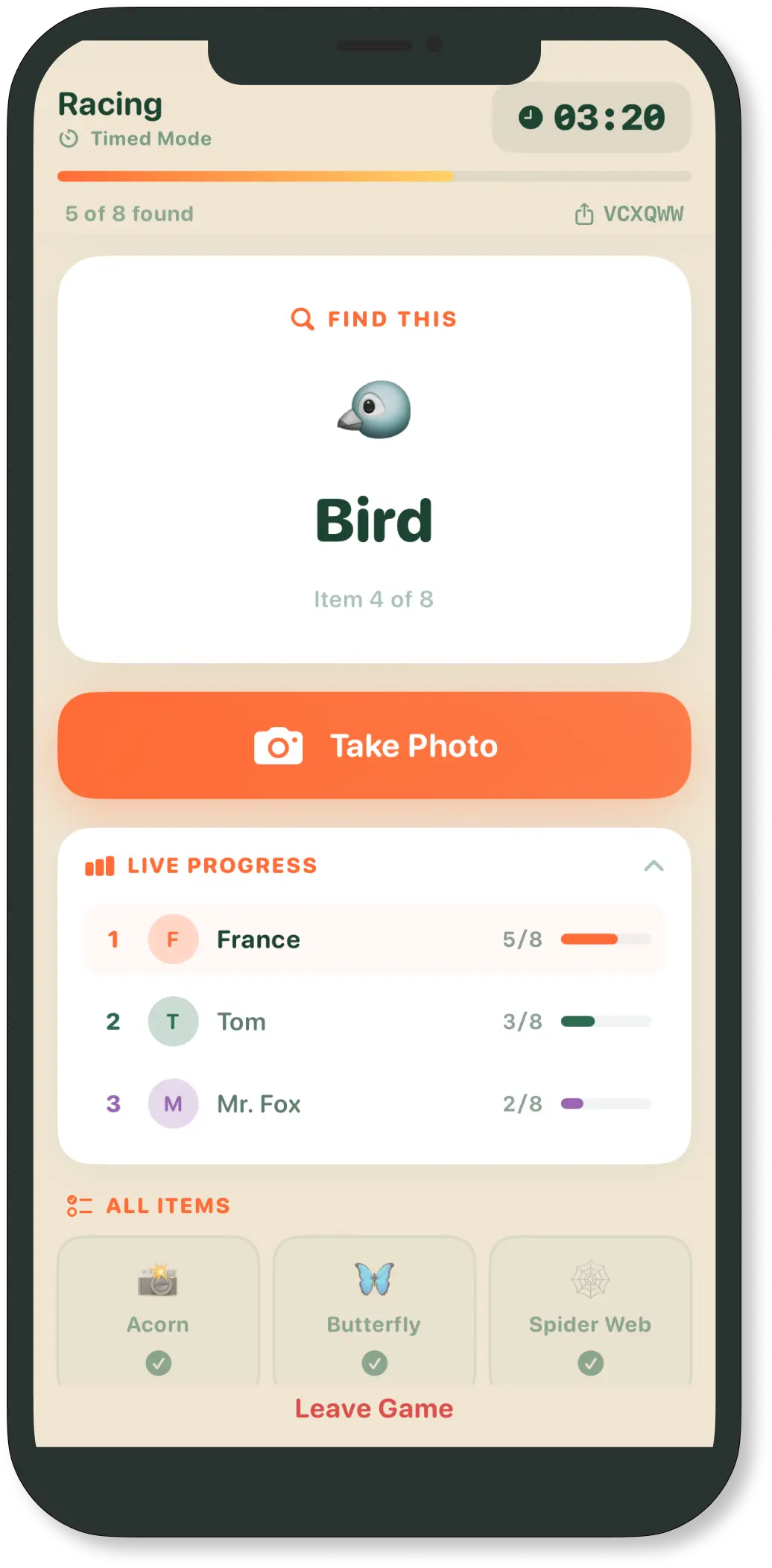
A game code gets teams moving quickly, and free custom lists can reflect your venue. The organizer can host without competing and follow each team’s progress, even when teams cannot see one another’s progress.
Choose Your Setup
Give colleagues a shared objective that encourages quick decisions and conversation without requiring profiles or enterprise setup. It works as a conference icebreaker, an offsite break, or an office challenge.
At a glance
A game code gets teams moving quickly, and free custom lists can reflect your venue. The organizer can host without competing and follow each team’s progress, even when teams cannot see one another’s progress.
Yes. When creating a game, turn off “Host participates in the game.” You can follow players’ progress without taking photos or competing, even when progress is hidden from players. This option is free in all three modes and stays fixed for that game. An observing host does not use a player slot: a free game supports four players or teams plus the host on a separate device.
A free game supports up to four players or teams, with no limit on the number of games. A host who plays uses one of those slots; a host who only observes does not. Premium unlocks unlimited player entries. Each team can share one phone.
Each player entry needs PicChase on an iPhone, iPad, or Android device. A group can register as one team and share one phone, so a class of 20 might compete as four teams using four phones. The website is for information and support, not gameplay. A host who observes uses a separate device with PicChase installed.
Yes. Creating a custom list for a game is currently free for everyone. You may also customize every ready-made pack, including removing prompts that do not fit the location. Saving a named custom list for reuse is a Premium convenience. Some hosts ask ChatGPT for prompt ideas, then review them for the real group and setting.
Internet is required to start and finish a game and to synchronize photos, progress, and state in real time. A brief interruption should not be a problem: data should synchronize when the connection returns.
Available on iPhone, iPad, and Android.
Install PicChase, choose a few challenges, and invite your group with a game code.