Choose Your Setup

Birthday party photo scavenger hunt

Turn the gap between cake and presents into a game that gets guests moving and talking. Run a short indoor round, send supervised teams around a garden, or make the prompts fit a milestone adult birthday.

At a glance

A lively party activity with a clear finish and very little equipment.

Best setting
Home, party venue, garden, or enclosed park area
Group format
Individuals or small teams
Recommended mode
Timed for a fixed party slot; Race for a clear winner
Suggested duration
10–30 minutes
Preparation
Choose a pack, remove unsuitable prompts, and agree on boundaries
Devices
Each player entry needs the app; teams can share one phone per team.

Why PicChase fits

Guests join with a code rather than accounts. Teams can share one phone, so a larger party can compete without every guest carrying a device. A parent or organizer can host without playing and follow the teams’ progress while guests take part.
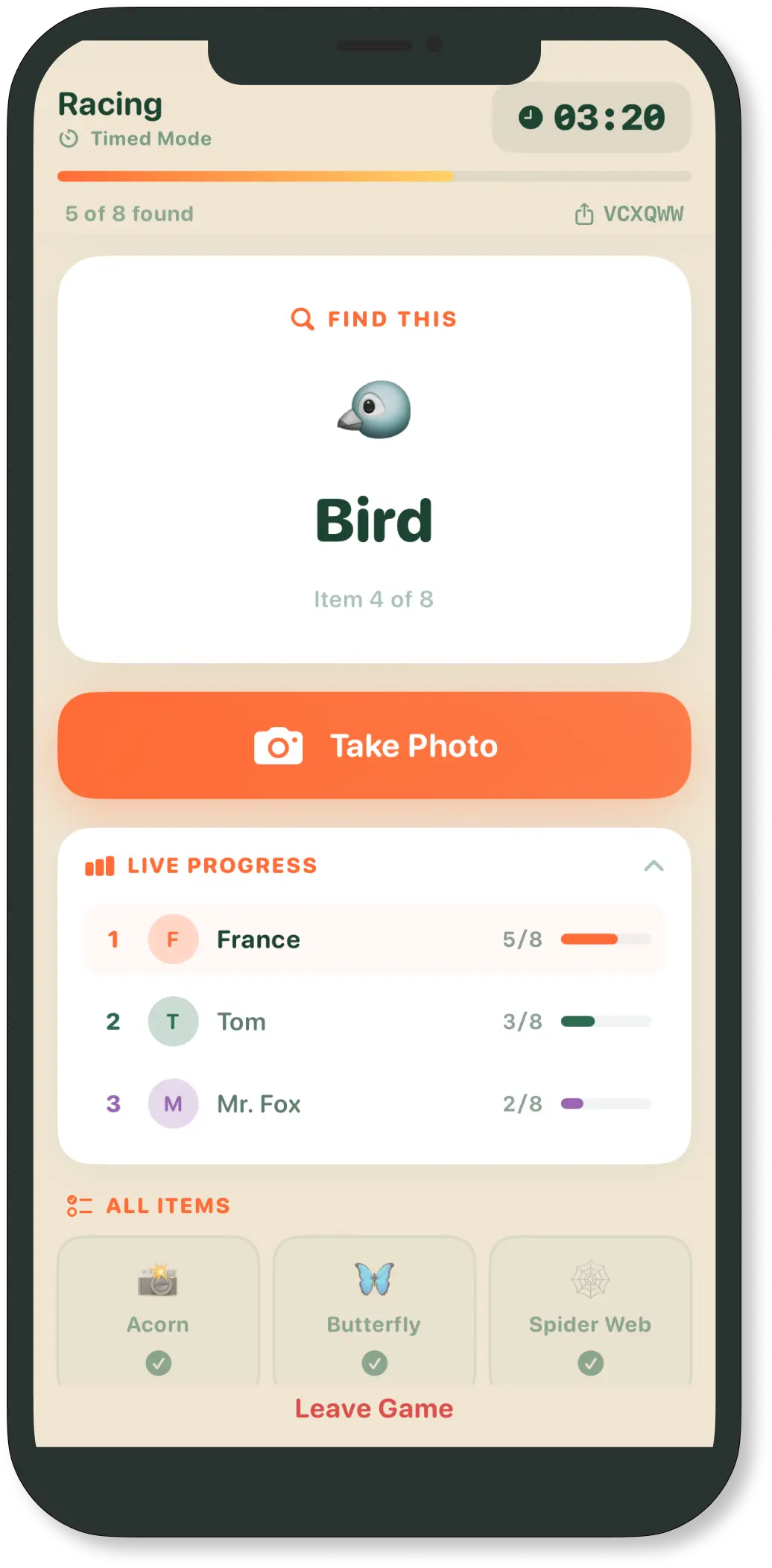
PicChase active photo challenge screen

Step-by-step setup

  1. Choose the play area and define clear boundaries.
  2. Decide whether the host will play. To observe, turn off “Host participates in the game” when creating the game.
  3. Choose the recommended mode, timer, and team format.
  4. Select a pack or create a free custom list, then remove unsuitable prompts.
  5. Share the game code, confirm safety rules, and start only after every team is connected.

Sample challenges

  • Something the same color as the cake
  • The funniest party hat
  • Three objects beginning with the same letter
  • A reflection with no faces visible
  • Something older than the birthday person

Facilitation and safety tips

  • Keep challenges inside the agreed party area.
  • For children, use guardian consent and active adult supervision.
  • Avoid prompts involving strangers, private rooms, gifts, or sensitive documents.

Questions for this setup

Can I host a game without playing?

Yes. When creating a game, turn off “Host participates in the game.” You can follow players’ progress without taking photos or competing, even when progress is hidden from players. This option is free in all three modes and stays fixed for that game. An observing host does not use a player slot: a free game supports four players or teams plus the host on a separate device.

How many people can play?

A free game supports up to four players or teams, with no limit on the number of games. A host who plays uses one of those slots; a host who only observes does not. Premium unlocks unlimited player entries. Each team can share one phone.

Does every player need to install PicChase?

Each player entry needs PicChase on an iPhone, iPad, or Android device. A group can register as one team and share one phone, so a class of 20 might compete as four teams using four phones. The website is for information and support, not gameplay. A host who observes uses a separate device with PicChase installed.

Can I create or customize a scavenger hunt list?

Yes. Creating a custom list for a game is currently free for everyone. You may also customize every ready-made pack, including removing prompts that do not fit the location. Saving a named custom list for reuse is a Premium convenience. Some hosts ask ChatGPT for prompt ideas, then review them for the real group and setting.

Who can see submitted photos?

People who know the game code and join that game can view its submitted photos. With Premium, the host can additionally enable a password-protected web gallery on picchase.app: only people who have both the game code and the gallery password can open it, the host can turn it off at any time, and it expires with the game’s storage period. Share codes carefully and get consent before photographing people.

Available on iPhone, iPad, and Android.

Ready to start the chase?

Install PicChase, choose a few challenges, and invite your group with a game code.

What are you planning to use PicChase for?

Optional—your answer helps us improve the site.